Accessing your Appellon account is simple. Follow the steps below to get into the platform.
Step 1 — Go to the platform
Visit app.appellon.com in your browser. This works on desktop, tablet, and mobile.
Step 2 — Enter your credentials
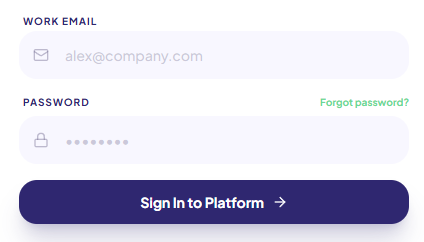
Enter your work email address and password, then click Sign In to Platform.
Step 3 — You're in
Once logged in, you'll land on your home dashboard, where you can access your lessons, insights, showcase, and more.
---
First time logging in to the new platform?
If this is your first time on the new Appellon, you'll need to reset your password before logging in. See the article: How to Reset Your Password.
Need help?
Email [email protected] and we'll get you sorted.