
Steps
Log in to your Appellon account.
Go to the Members page.
Search for the user's name.
Click the Action icon to edit the user’s profile.
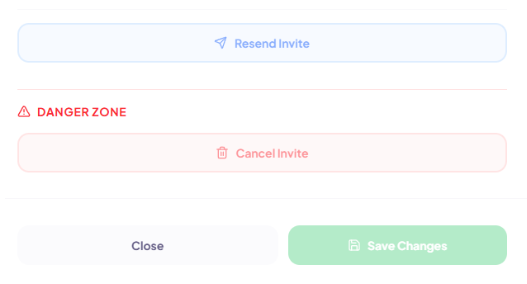
Scroll down and click Resend Invite.
Click Save Changes.
The user will receive a new email containing a fresh login link and instructions on how to access their Appellon account.
If the user still can't log in
Ensure they are using the most recent invitation email.
Check that the user is using the correct email address to log in (work or personal).
Ask them to check their Spam or Junk folder.
Suggest opening the login link in a different browser or an incognito/private browsing window.
If the issue persists, contact Appellon Support at [email protected] for further assistance.